
Top 5 Interactive Reading Apps for Kids: Alternatives to Epic!
# Top 5 Interactive Reading Apps for Kids: Alternatives to Epic! In today's digital age, encouraging children to read has expanded beyond the confines of traditional books. Interactive reading apps h
In today's digital age, encouraging children to read has expanded beyond the confines of traditional books. Interactive reading apps have become a vibrant part of the learning landscape, offering kids new ways to engage with stories and enhance their creativity. While Epic! is a well-known platform, many parents are on the lookout for alternatives that provide similar or even greater benefits. This article explores five standout interactive reading apps designed to captivate young minds and foster a love for reading.
Interactive reading apps can transform reading from a solitary activity into an engaging experience filled with animations, games, and creative storytelling. These apps not only improve literacy skills but also stimulate children’s imaginations, making them an excellent tool for parents looking to balance screen time with educational value. Let’s dive into some of the best reading apps for children aged 5-12, each offering unique features that encourage creativity and engagement.

Magical Stories (Editor's Pick for creative readers)
Epic is an excellent digital library. If your goal is creating stories — not only reading more books — Magical Stories is our Editor's Pick among Epic alternatives.
Epic library vs Magical Stories create
| Factor | Epic (library) | Magical Stories |
|---|---|---|
| Content model | Huge catalog of published books | Kids create original stories |
| Characters | Authors' characters | Child-owned characters & worlds |
| Read vs write | Read / listen first | Write + illustrate with AI guidance |
| Best for | Volume reading practice | Creative writing motivation |
| Try path | Epic subscription / school plans | Free signup · Demo · Author Academy |
Want create-your-own instead of another library? Try Magical Stories free or watch the demo.
1. Sora by OverDrive
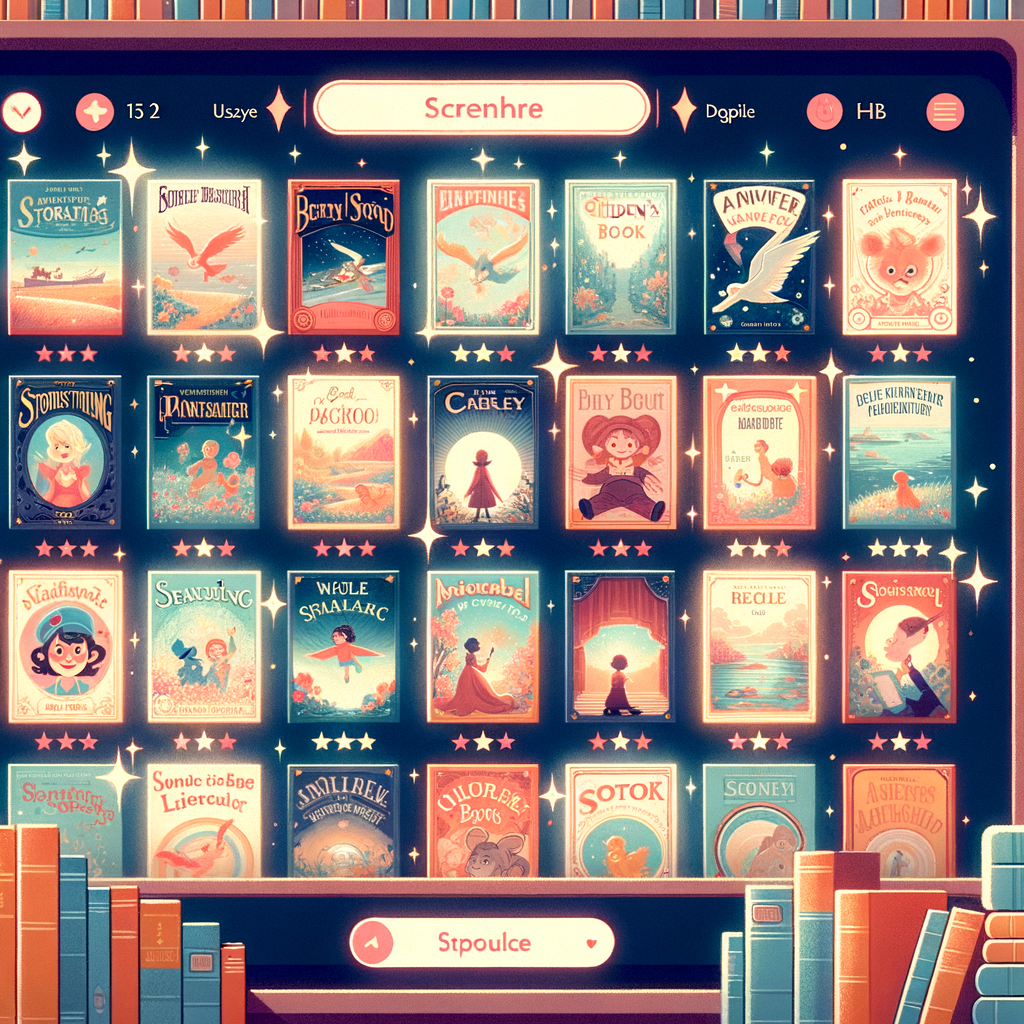
Sora by OverDrive is a user-friendly app that connects children with a wide array of eBooks and audiobooks through their local school or library. It’s designed to make reading a socially engaging and rewarding experience.
Features and Benefits
- Vast Library Access: Sora provides access to thousands of books, including age-appropriate content for children, making it a valuable resource for diverse reading preferences.
- Read-Along Functionality: The app includes audiobooks and read-along features, which are excellent for developing listening skills and aiding comprehension.
- Note-Taking and Highlighting: These features encourage active reading habits, allowing children to mark important passages and jot down their thoughts.
Practical Tips
- Connect with Schools: Ensure your child’s school is connected with Sora to maximize access to their extensive catalog.
- Set Reading Goals: Use the app’s goal-setting features to motivate your child to reach new reading milestones.
2. Libby by OverDrive
Libby is another fantastic offering by OverDrive, similar to Sora but with more emphasis on public library access. It’s ideal for children who already have a library card and wish to explore a broader collection of books.
Features and Benefits
- User-Friendly Interface: Libby is designed for ease of use, making it simple for children to browse and borrow titles independently.
- Offline Reading: Books can be downloaded for offline reading, perfect for car trips or places with limited internet access.
- Customizable Reading Experience: Font size, background color, and lighting adjustments cater to personal reading preferences, enhancing comfort and reducing eye strain.
Practical Tips
- Library Adventures: Plan regular virtual library visits with your child to discover new books and authors.
- Explore Audiobooks: Encourage your child to listen to audiobooks during downtime, which can improve language skills and listening comprehension.
Find the Right Reading App for Your Child
Not sure which app to try? Answer a few quick questions for a personalized recommendation:
3. Tales2go
Tales2go is an innovative audio storytelling app that provides children with an extensive library of audiobooks covering a range of genres and topics. It’s a fantastic choice for auditory learners and those who enjoy listening to stories.
Features and Benefits
- Extensive Audiobook Selection: With thousands of titles, Tales2go offers stories that cater to various interests and reading levels.
- Supports Literacy Development: Listening to audiobooks enhances vocabulary, pronunciation, and comprehension skills.
- School and Home Use: The app is suitable for both classroom settings and home use, providing flexible learning opportunities.
Practical Tips
- Daily Listening Routine: Integrate audiobooks into your child’s daily routine, such as during breakfast or before bedtime, to encourage regular listening habits.
- Thematic Listening: Choose audiobooks that align with subjects your child is learning at school to reinforce their understanding and interest.

4. FarFaria
FarFaria is an enchanting app that offers a magical world of stories for children aged 2-9. Known for its beautifully illustrated books and interactive reading experience, it’s a wonderful tool for nurturing a love of storytelling.
Features and Benefits
- Hundreds of Stories: With new books added weekly, FarFaria provides a fresh reading experience each time your child logs in.
- Read-to-Me Feature: This feature supports early readers by reading the story aloud while highlighting the words on screen.
- Interactive Story Elements: Engaging graphics and interactive elements within the stories keep young readers captivated.
Practical Tips
- Story Selection: Let your child select stories based on their interests to foster a sense of independence and curiosity.
- Interactive Reading Sessions: Participate in reading sessions with your child and discuss the story to enhance their comprehension and critical thinking skills.
5. Book Creator for iPad
While not a traditional reading app, Book Creator for iPad empowers children to craft their own stories, combining creativity with literacy. It’s an excellent tool for encouraging creative expression and storytelling.
Features and Benefits
- Create and Share: Children can write, illustrate, and even narrate their own stories, which can then be shared with family and friends.
- Inspires Creativity: The app provides various templates and tools to help children unleash their creativity and imagination.
- Supports Various Media: Incorporate photos, videos, and drawings to create rich, multimedia stories.
Practical Tips
- Storytelling Workshops: Use the app in conjunction with our Developing Characters: A Fun Workshop for Kids to guide your child in creating unique characters and plots.
- Family Storytime: Encourage your child to present their stories during family gatherings, fostering confidence and public speaking skills.

Conclusion
Interactive reading apps are transforming the way children experience literature, offering engaging, multifaceted approaches to storytelling that traditional books alone cannot provide. By exploring these top-tier alternatives to Epic!, parents can support their children’s literacy development while also nurturing their creativity and imagination. Whether your child is listening to an audiobook, exploring new worlds in an eBook, or crafting their own stories, these apps are valuable tools in their educational toolkit.
We invite you to explore these apps and share your experiences with other parents. Remember, the journey to becoming a lifelong reader begins with finding the right book—or app—that captures your child's interest. For more insights on enhancing creativity and learning through technology, check out our articles on AI Tools for Kids: How Technology Can Spark Creativity and Storytelling as a Tool for Learning: Engage Your Child.
Share this article with fellow parents and educators to spread the love for reading and creativity!
Want your child to practice these ideas with characters and stories of their own? Magical Stories turns creative writing into an interactive adventure.